PRODUCTS
A display built
for paintings
Choose and change the art on any BlueCanvas from a single app. Pick the size that fits your space.
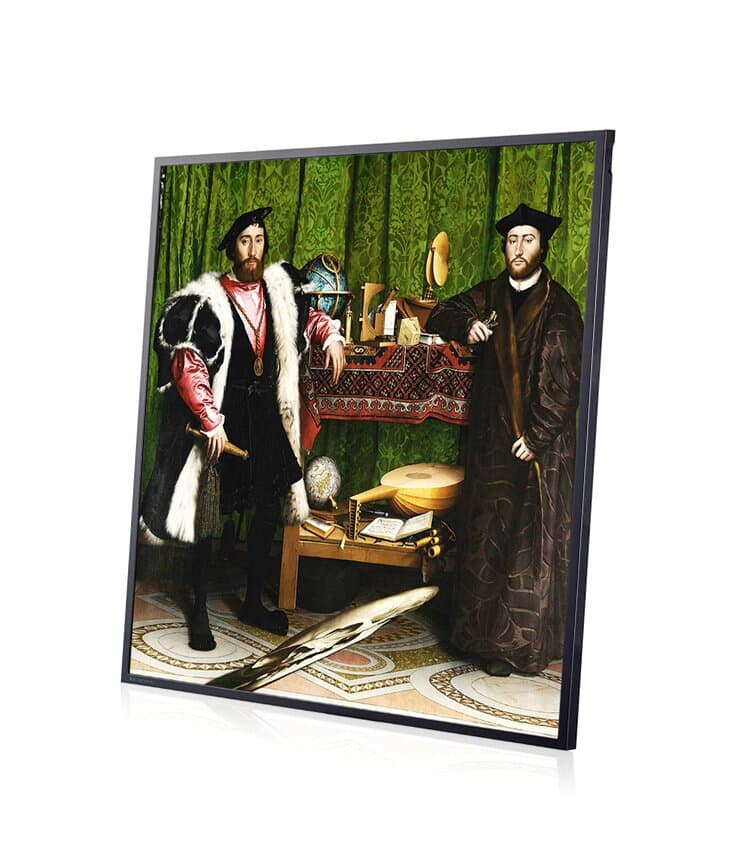
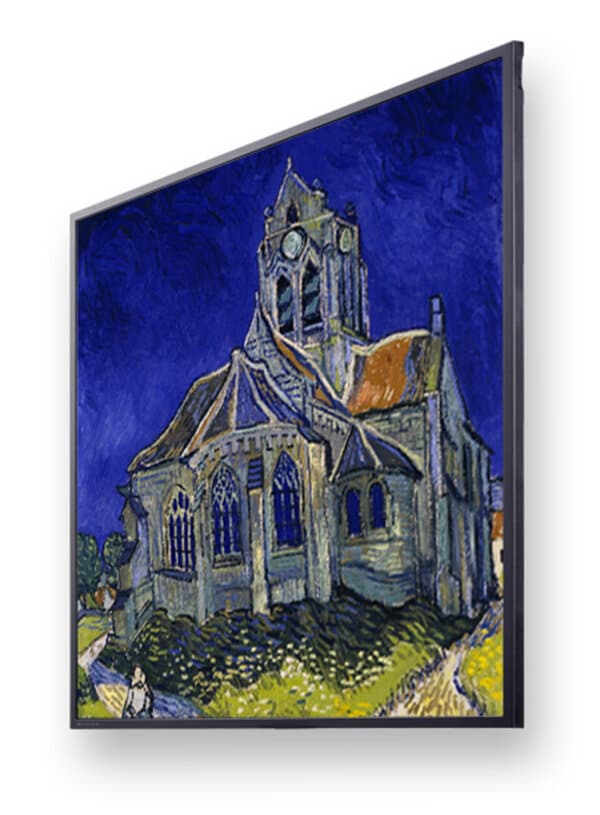
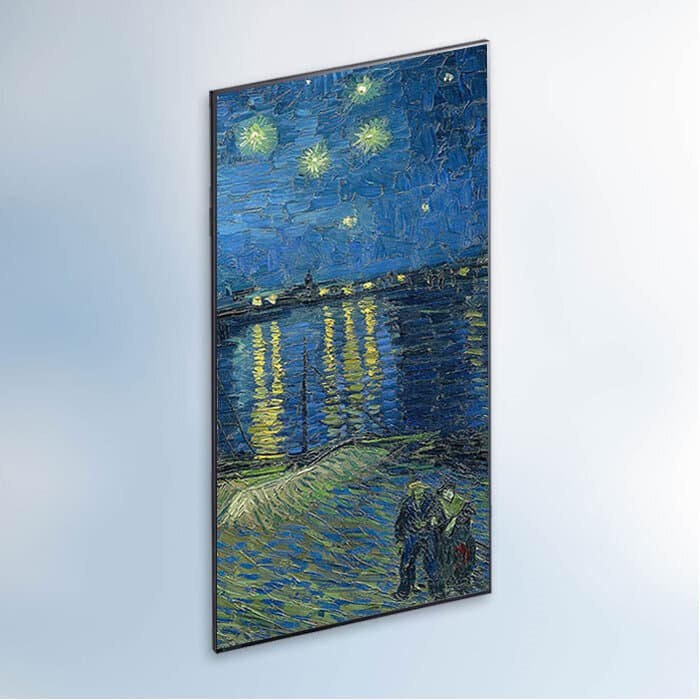
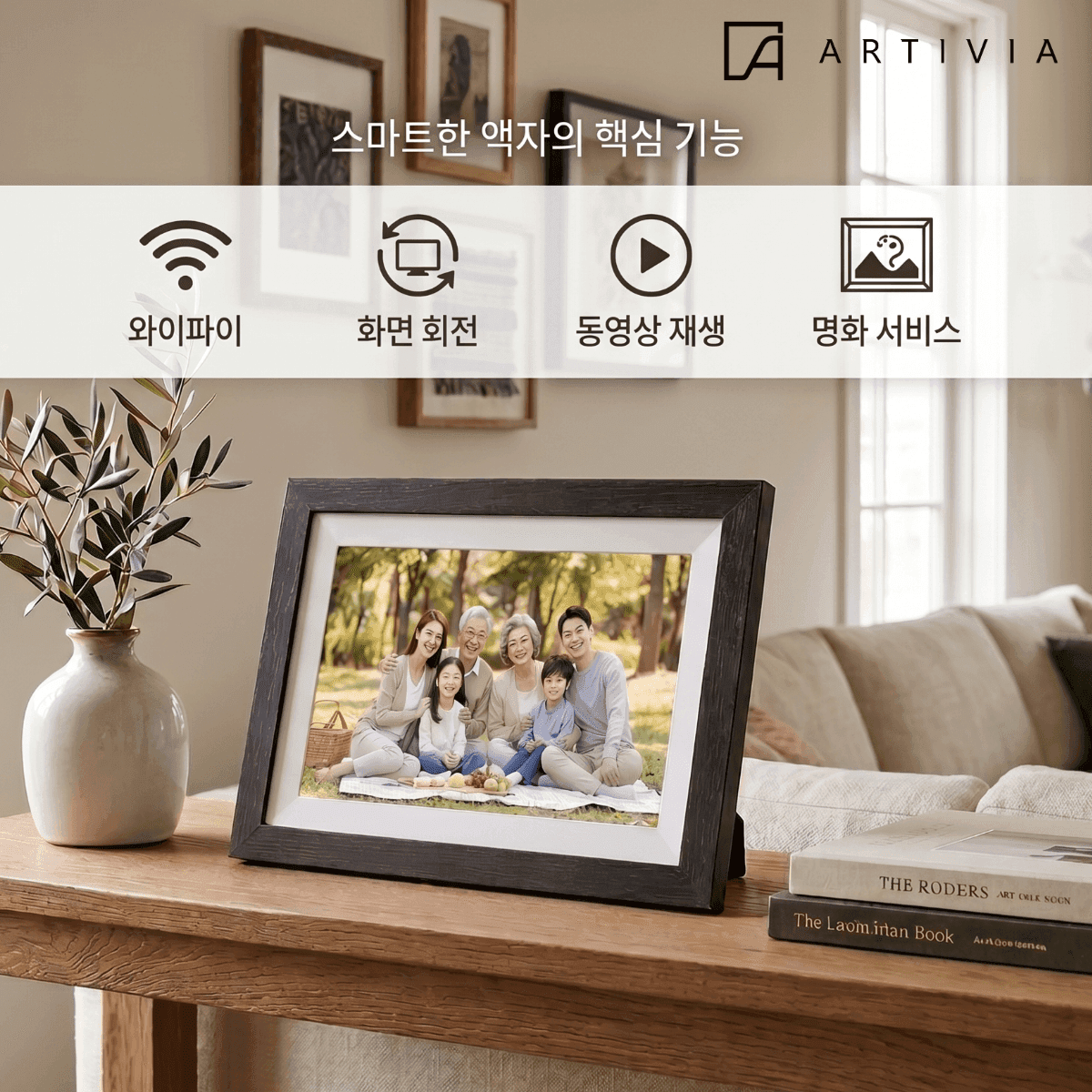
At a glance
| Item | BC265 | BC332 | BC49 | ARTIVIA |
|---|---|---|---|---|
| Screen size | 26.5″ square | 33.2″ square | 49″ | 10.1″ |
| Resolution | 1920×1920 | 1920×1920 | 3840×2160 (UHD) | 1280×800 |
| Size (W×H×D) | 49.8×49.8×1.39cm | 61.5×61.5×2.5cm | 110.4×63.4×2.5cm | 26.5×18.4×2.3cm |
| Brightness | 450nit | 500nit | 400nit | 250nit |
| Weight | 3.2kg | 9.5kg | 13.5kg | 0.48kg |
| Power consumption | 58W | 84W | 90W | 10W |
| Purpose | Homes · stores · schools | Hallways · lobbies | Lobbies · large spaces | Homes · gifts |
| Price | ₩1,240,000 | Coming soon | ₩2,690,000 | ₩199,000 |
All BlueCanvas 26.5″, 33.2″, and 49″ models feature an anti-glare panel and Bluetooth 4.0. Prices shown are Naver Smart Store prices as of October 2026. All purchases are completed on Smart Store. For rentals and institutional installations, please contact us.
HARDWARE
What sets the hardware apart
Thin, light, crisp, and smart — BlueCanvas is just like a real picture frame.
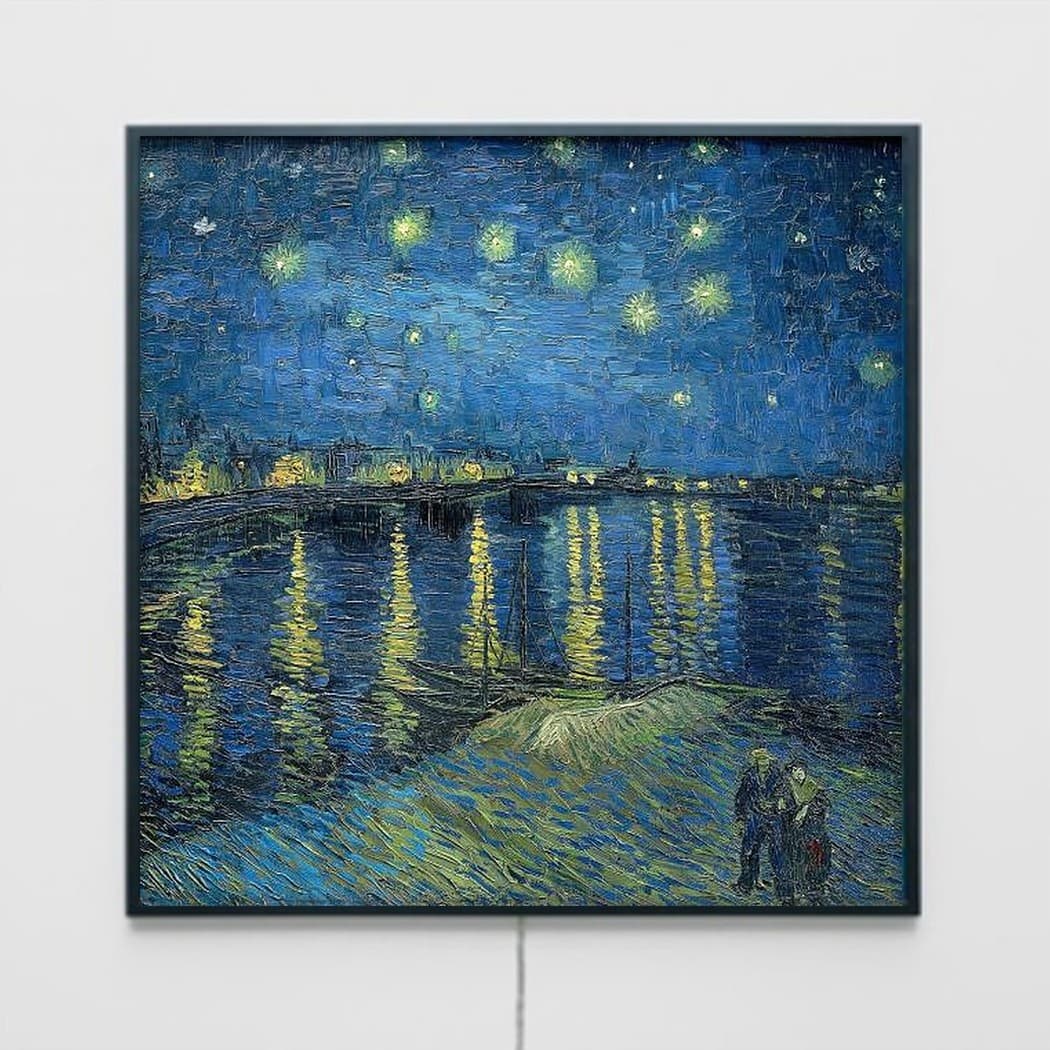
True to life
High resolution and true-to-life color bring out the feel of the original.
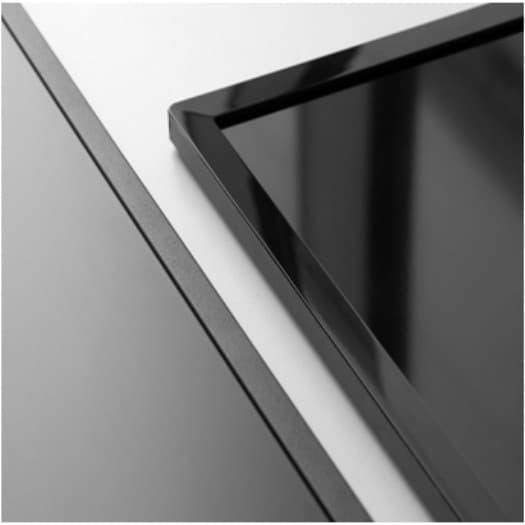
Like a canvas
An anti-glare panel cuts reflections, so it looks like a canvas — not a screen.
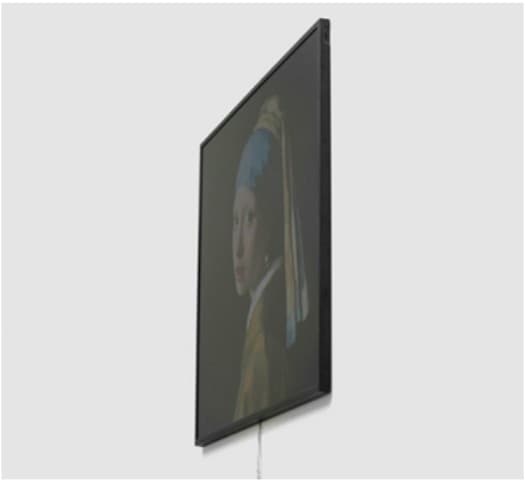
Like a frame
A slim, flat, frame-like design that hangs naturally on any wall.
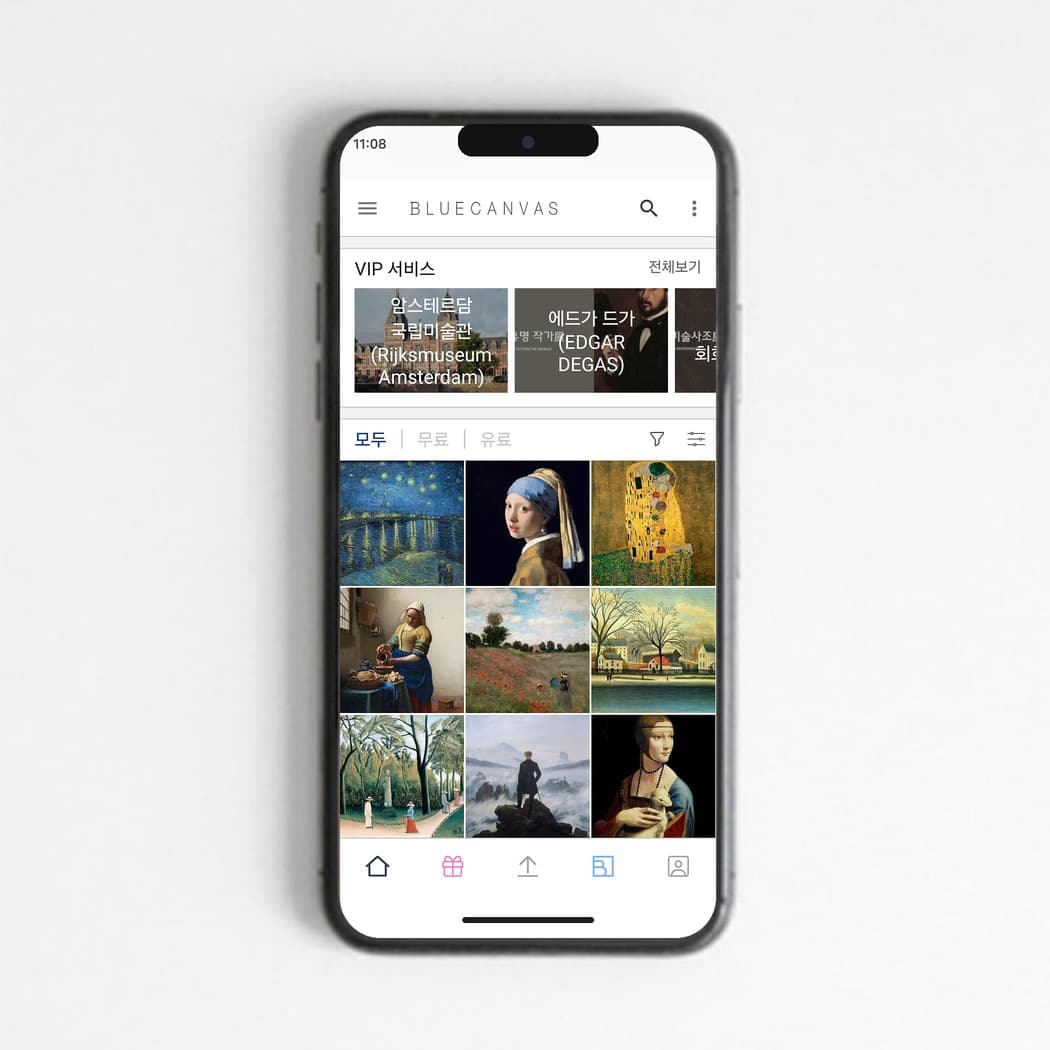
Easy for everyone
Connects wirelessly and is easy to manage from a single smartphone app.
FRAME
Change the mood with a frame
Add a solid-wood frame and BlueCanvas blends into your room like a real framed painting.
- Walnut
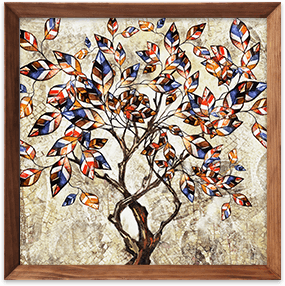
- Antique
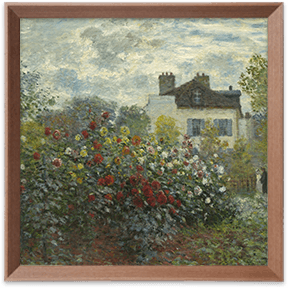
- White

- Dark

See frame types and prices on Smart Store.
ACCESSORIES
Accessories
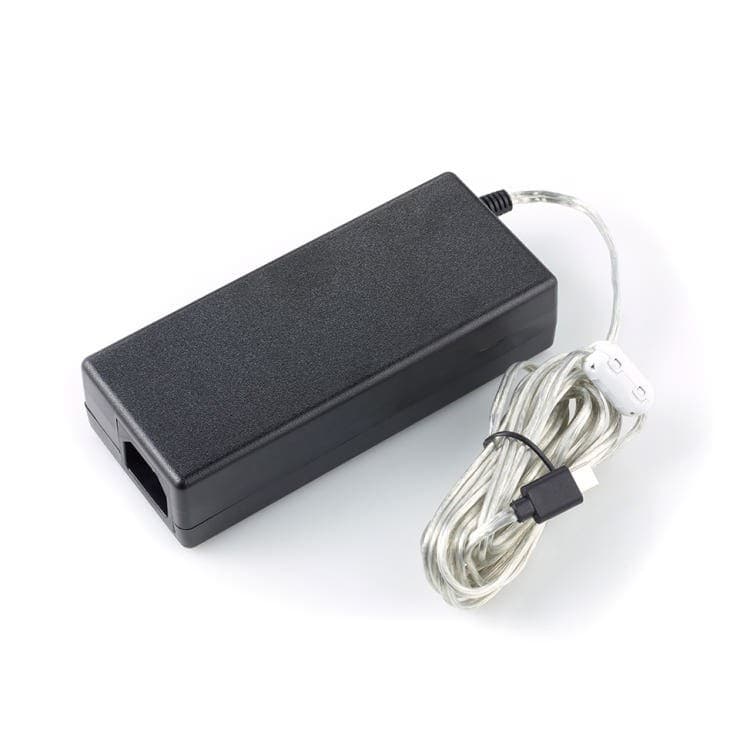
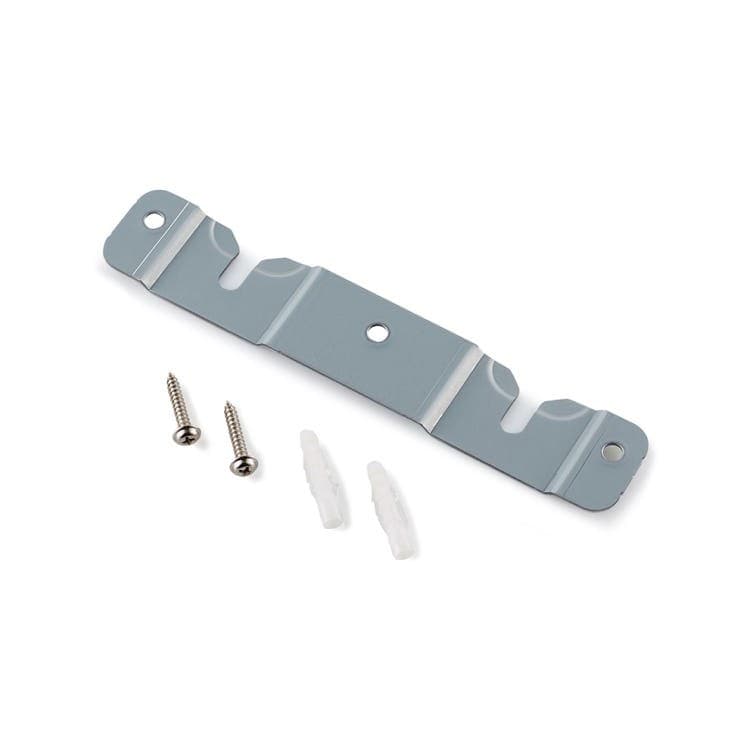
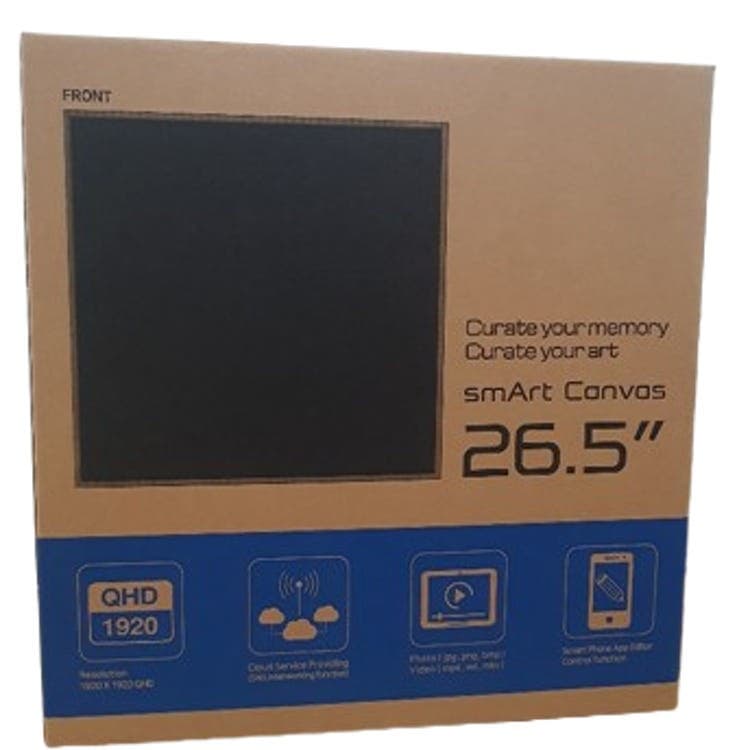
Replacement adapters, wall-mount brackets, and shipping boxes for sending your unit in for A/S. Tap any item to go straight to it on Naver Smart Store.
APP
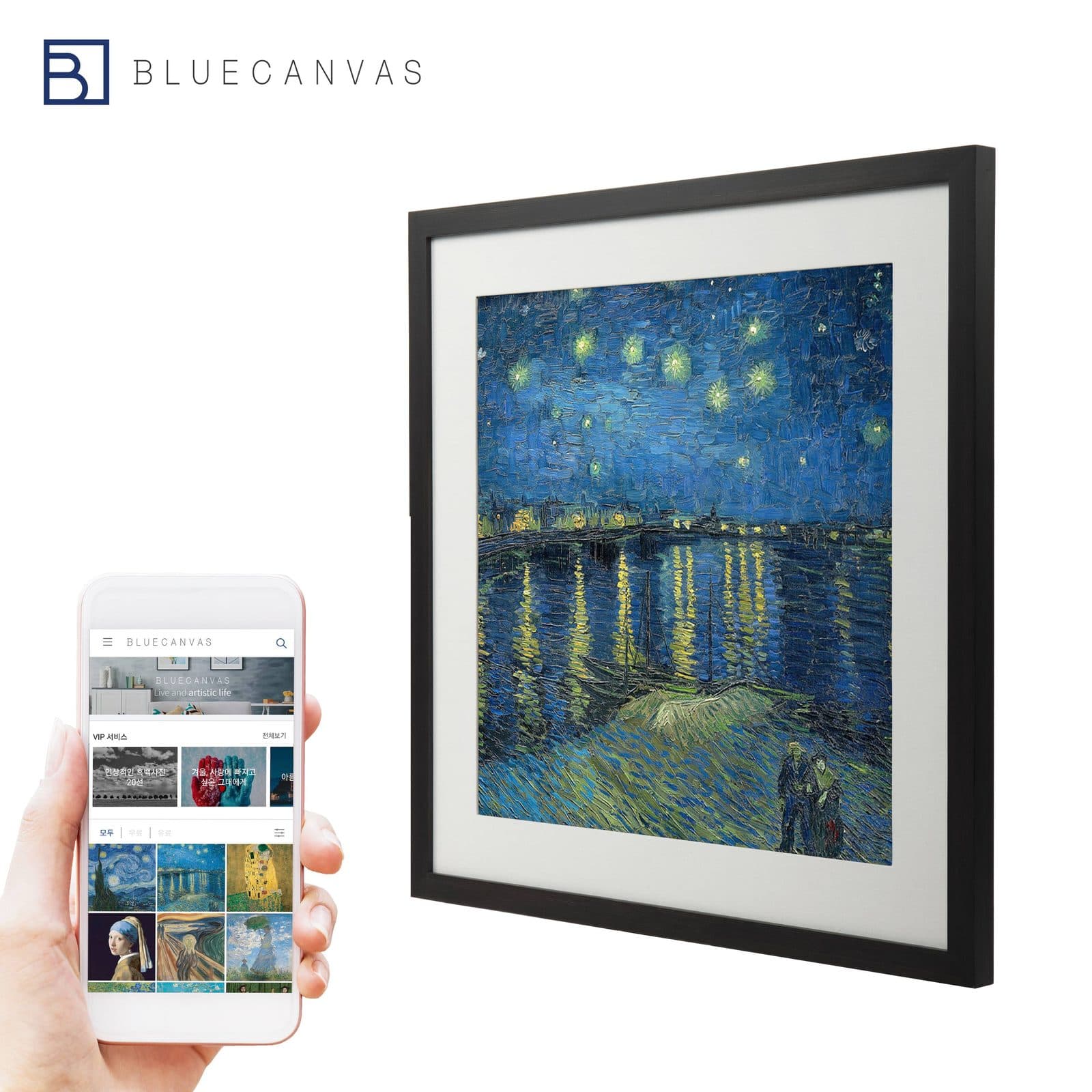
Change the art from your phone
Pick a work in the BlueCanvas app and it appears on your canvas instantly. You can set on/off times in the app, too.